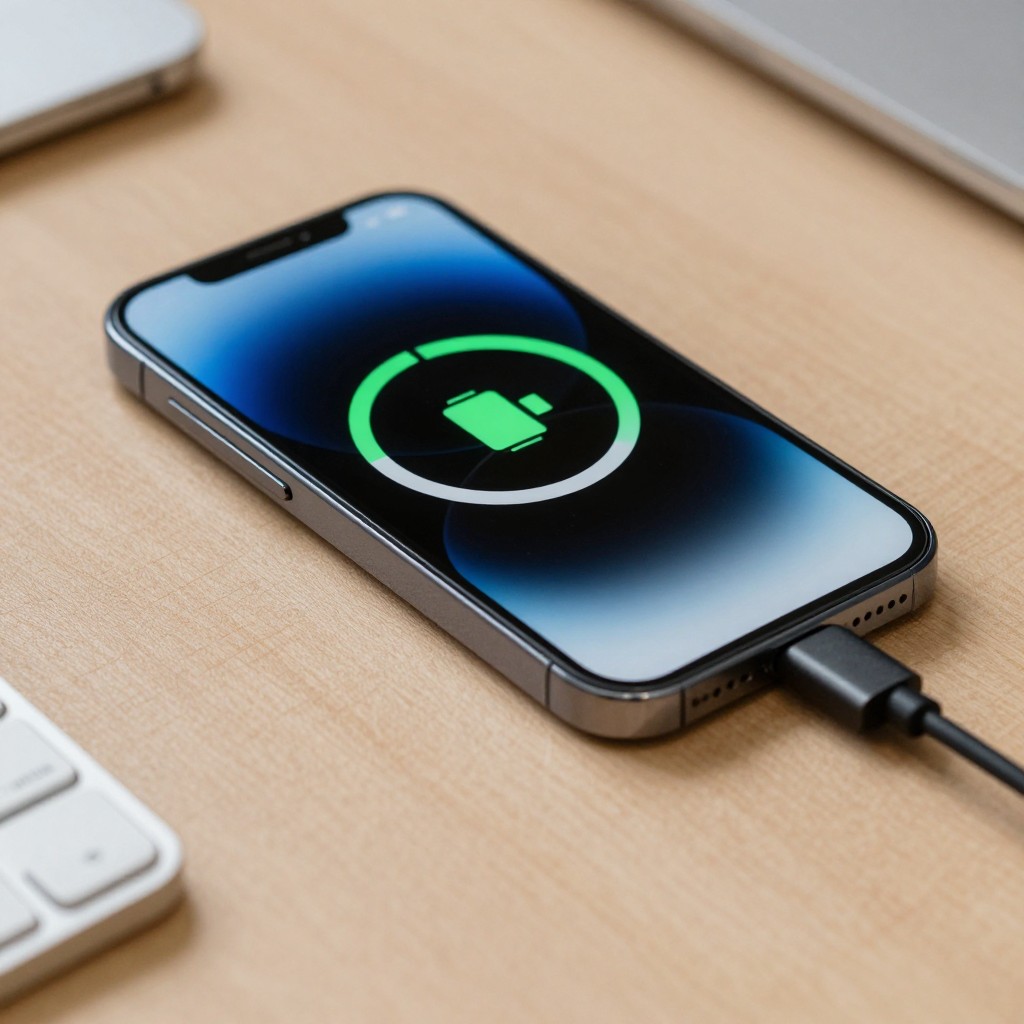
A charging-port or flex-cable fault is only one possible cause of a phone that charges intermittently or not at all. Before ordering parts, test a known-good cable and charger, inspect the port without inserting tools, and check whether the problem changes with cable position. These low-risk checks help distinguish port damage from accessory, software, or battery issues.
Charging-Port Faults: The Clues That Matter
- Charging starts and stops when the cable moves, which can indicate a loose connector, worn port, or damaged cable.
- The same charger and cable work with another compatible device, but not with the phone; this points toward the phone, though it does not prove the port is faulty.
- The connector will not seat fully, or visible debris is present in the port.
- Wireless charging works while wired charging does not, if the phone supports wireless charging.
- The phone shows no charging response with multiple known-good accessories; battery, software, or internal hardware may also be responsible.
Separate Cable, Charger, and Port Symptoms Before Opening the Device
Start with what can be observed without opening the phone. A cable that works only at a particular angle may be damaged, or the phone's port may be worn. A phone that fails with one adapter but charges with another is more likely to have an accessory issue. These clues guide testing; none alone confirms which component has failed.
- Cable clue: Charging changes when the cable is moved near its plug, or the cable fails on another compatible device.
- Charger clue: The phone charges with a different compatible power adapter and cable.
- Port clue: The plug feels unusually loose, cannot seat fully, or charging changes when the connector shifts inside the phone.
- Battery or system clue: The phone shuts down unexpectedly, reports unusual battery behavior, or does not respond consistently even with known-good accessories.
For the search phrase พอร์ตชาร์จมือถือเสีย อาการ (symptoms of a damaged phone charging port), focus on repeatable signs across more than one known-good accessory. Do not wiggle a connected plug forcefully; that can worsen damage.
Map Common Charging Failures to Their Likely Causes
Use this read-only checklist before considering repair or ordering อะไหล่พอร์ตชาร์จมือถือ (phone charging-port parts):
- Check the phone and cable for visible damage, moisture warnings, or unusual heat. Stop if any are present.
- Try a known-good cable that is compatible with the phone.
- Try a known-good, compatible power adapter and a different wall outlet.
- Test the original cable and adapter with another compatible device, if available.
- Restart the phone and check whether its charging indication changes.
- Look into the port under good light without inserting anything.
- Check whether wireless charging works, if the phone supports it.
- Note whether the issue occurs only with one cable orientation, accessory, or charging position.
Keep the results in a short note. A consistent result across multiple accessories is more useful for diagnosis than a single failed charging attempt.
Run Safe External Tests Before Removing Any Parts
These checks separate accessory faults from likely phone-side faults without opening the device. Stop testing if the phone becomes hot, smells unusual, shows swelling, or has signs of liquid exposure; disconnect power if it is safe to do so and seek qualified service.
| Symptom | Possible causes | How to check | How to fix |
|---|---|---|---|
| Phone charges with one cable but not another | Damaged or incompatible cable | Test each cable with a compatible device or charger | Replace the faulty cable with a compatible one |
| Phone charges with another adapter | Faulty adapter or power source | Try a known-good compatible adapter and outlet | Replace the faulty adapter or use a working outlet |
| Charging stops when the plug shifts | Loose or worn cable plug, port damage, or debris | Test a second known-good cable; inspect the port visually without probing | Replace a faulty cable; have the port inspected if the symptom persists |
| Plug will not seat fully | Debris, connector damage, or a bent internal part | Compare the fit with a known-compatible cable; use light to inspect the opening | Do not force the plug; seek safe cleaning or professional inspection |
| No charging response with known-good accessories | Port, battery, software, or charging-circuit fault | Restart the phone and check for a charging indication; use wireless charging if supported | Arrange diagnosis if the failure continues |
| Charging stops after moisture exposure or the phone becomes hot | Moisture or internal damage | Stop wired charging; follow the manufacturer's guidance for the device | Do not insert tools or apply heat; contact qualified service |
In Thailand, เปลี่ยนพอร์ตชาร์จมือถือ ราคา (price to replace a phone charging port) depends on the device and the repair required. Ask a service provider to diagnose the fault and explain the part and labor before approving work. A quote for ซ่อมพอร์ตชาร์จมือถือ (phone charging-port repair) should not be treated as confirmation that the port is the cause until the accessories and other likely faults have been checked.
Inspect the Port and Flex Cable for Damage or Contamination
Follow these steps in order. The first checks are external and low risk; internal inspection and replacement require suitable repair experience and tools.
- Disconnect the charger and turn the phone off if the device is safe to handle.
- Check for heat, swelling, liquid exposure, or a burning smell. Do not continue if any are present.
- Use a light to look into the port. Do not insert metal objects, pins, or other tools.
- Check whether the cable plug or cable sheath is bent, split, or otherwise damaged.
- Compare the port's appearance and cable fit with the manufacturer's guidance where available; do not force a connector into place.
- If debris is visible but cannot be removed safely without probing, ask a qualified technician to clean and inspect the port.
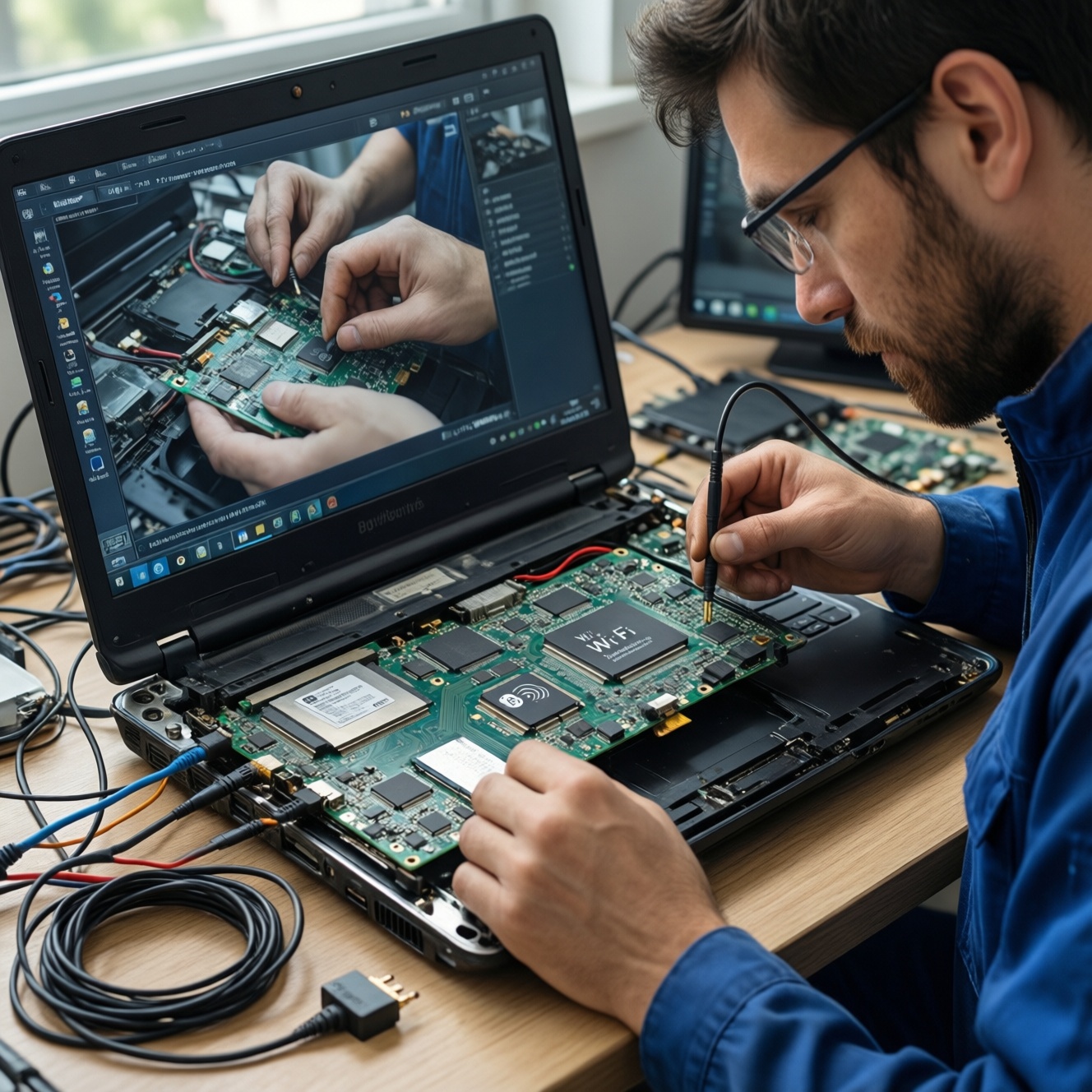
- Only if trained and equipped to work on the specific device, follow a model-specific repair procedure to disconnect power before internal inspection.
- Inspect the charging flex cable and its connectors for tears, corrosion, looseness, or other damage. Avoid pulling or bending the flex.
- Replace parts only after confirming the fault and matching the replacement to the exact device variant and revision.
Opening a phone can damage seals, connectors, or the battery and may affect water resistance or warranty coverage. If you are not equipped for device repair, leave internal inspection to a qualified service provider.
Use a Symptom-to-Test Table to Narrow Down the Fault
Escalate to manufacturer support or a qualified repair provider when a fault remains after the external checks, or when inspection is unsafe. Provide the model and variant, the accessories tested, the observed symptoms, and any moisture or impact history. This helps the technician decide whether to test the battery, port, flex cable, or charging circuitry before replacing parts.
- Seek service promptly for swelling, unusual heat, liquid exposure, a burning smell, or visible internal damage.
- Ask for diagnosis before approving a port or flex-cable replacement.
- Request confirmation of the part number or compatibility with the exact model revision.
- Back up accessible data before service, if the phone can be used safely.
- For เปลี่ยนสายแพรชาร์จมือถือ (replacing a phone charging flex cable), confirm whether the cable is a separate part or integrated with another assembly for that model.
Confirm the Replacement Part Matches the Device Revision
- Record the full model number and regional variant from the device settings or manufacturer label.
- Match the part to the exact model revision; similar-looking phones can use different connectors or flex layouts.
- Confirm whether the replacement is a port-only component or a complete charging-flex assembly.
- Check that the seller or repair provider identifies the part as compatible with the specific variant, not merely the product family.
- Ask whether the part is new, refurbished, or reclaimed, and what warranty applies.
- Compare connector positions and mounting points using reliable model-specific documentation before installation.
- Do not order based only on a photo or a broad search for เปลี่ยนพอร์ตชาร์จมือถือ (replacing a phone charging port).
- Keep the old part until the repair has been tested and the phone charges reliably.
Practical Answers to Port and Flex-Cable Test Questions
How can I tell whether the cable or phone port is faulty?
Test with a known-good compatible cable and adapter, then test the original accessories on another compatible device. If the phone still fails with known-good accessories, the fault may be in the port or another internal component.
Is it safe to clean a charging port with a pin?
No. A pin can damage contacts or cause an electrical short. Inspect the port with a light and seek professional cleaning if debris cannot be removed safely.
Should I order a charging port after one failed test?
No. First test another compatible cable, adapter, and outlet, and check for signs of moisture or damage. One failed combination does not establish that the port is defective.
Does wireless charging prove that the battery is fine?
No. It shows that the phone can accept power through a different path, but it does not rule out a battery issue or other internal fault.
When should I stop testing and contact a technician?
Stop if the phone is swollen, unusually hot, wet, smells burnt, or has visible damage. Seek service if the charging fault persists after external checks with known-good accessories.
How do I choose a compatible charging flex cable?
Match the part to the phone's exact model variant and revision, and verify whether the device uses a separate port or a larger flex assembly. Ask the seller or technician to confirm compatibility before purchase.
Can I compare repair prices before confirming the fault?
You can request an estimate, but ask whether it includes diagnosis, parts, labor, and any warranty. Confirm the likely cause before authorizing replacement.