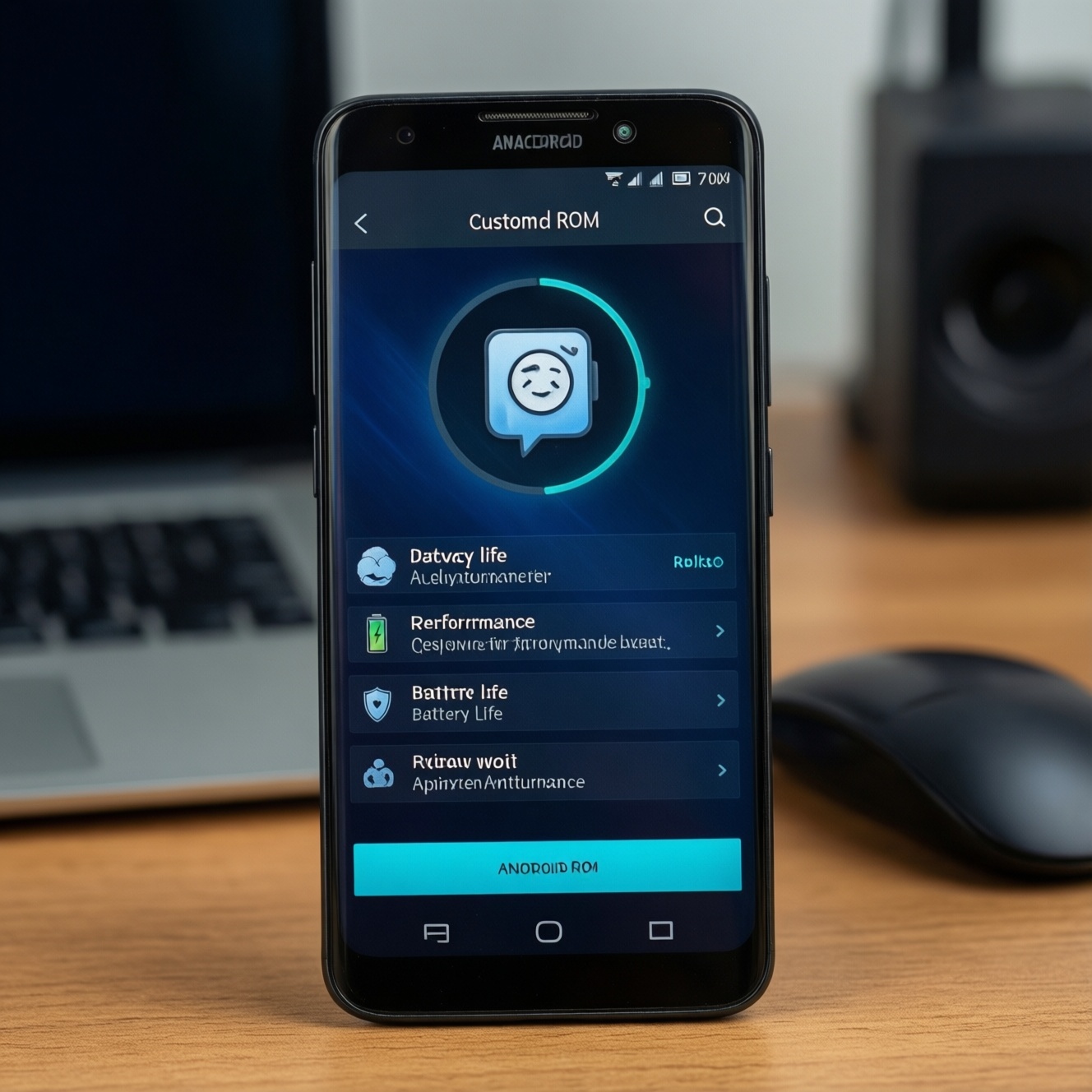
For an old Android phone, the best Custom ROM is the one that matches your exact model and your priority: smooth performance, longer battery life, or stronger privacy. Start by confirming device support and required firmware, then pick a ROM family: LineageOS-style "clean and stable", ultra-light AOSP builds, or privacy-focused systems with reduced tracking.
Selection Checklist for Old Devices
- Exact device codename is supported (not just the brand/model name).
- Android version target matches your needs (apps like banking, LINE, maps).
- Kernel/firmware prerequisites are clear (vendor/firmware, bootloader state).
- ROM philosophy fits your goal: performance-first, battery-first, or privacy-first.
- Update cadence and maintainer reputation look consistent (changelogs, issue tracker).
- Recovery and backup plan exists (custom recovery availability, restore path).
- Realistic budget for risks (time, possible repair, and ติดตั้ง Custom ROM ราคา at local shops if you outsource).
Assessing Your Device: Compatibility and Hardware Limits
- Device codename support: confirm the ROM supports your exact codename; this is the #1 factor for Custom ROM สำหรับมือถือเก่า.
- Bootloader status: unlockable vs permanently locked; some devices in Thailand carrier variants can be harder.
- Chipset age and RAM: low RAM benefits from minimal ROMs and fewer background services.
- Storage type and free space: older eMMC + near-full storage will stutter; plan to wipe and keep 20-30% free if possible.
- Recovery availability: confirm you can install a reliable custom recovery; without it, maintenance becomes expensive and risky.
- Camera, VoLTE, Wi‑Fi stability: "works" can still mean broken camera modes or calls; read device-specific notes.
- Security model: verified boot state, encryption support, and whether you need Google services at all.
- Battery health reality: if the battery is degraded, no Custom ROM ประหยัดแบต สำหรับ Android will fully compensate-plan for a battery replacement if feasible.
Performance-First ROMs: Achieving Smoothness on Low-End Phones
If your priority is "as light as possible" (what many people mean by ROM Android เบาที่สุด สำหรับเครื่องเก่า), prefer ROMs that stay close to AOSP, avoid heavy custom features, and let you disable animations and background sync. Use the table below to choose based on your tolerance for tweaking versus stability.
| Option | Who it fits | Pros | Cons | When to choose |
|---|---|---|---|---|
| LineageOS (official or well-maintained unofficial) | Most old devices with active maintainers; people who want a balanced daily driver | Clean base, good compatibility, usually stable; strong community; a common pick for LineageOS สำหรับมือถือรุ่นเก่า | May need extra setup for Google apps; performance depends on device tree quality | When you want "works well" with reasonable speed and minimal drama |
| Minimal AOSP-based builds (device-specific "vanilla" ROMs) | Very low-end hardware, limited RAM/storage | Often the lightest feel; fewer background services; simplest UI | Fewer features; device support can be inconsistent; documentation varies | When you want the closest thing to ROM Android เบาที่สุด สำหรับเครื่องเก่า and accept fewer extras |
| Pixel Experience / Pixel-like ROMs | Users who want Google-style UI and integration | Polished UX; less fiddling if you want Google services | Can be heavier on very old devices; may reduce headroom for multitasking | When you value a familiar "Pixel" feel more than maximum speed |
| crDroid / feature-rich performance ROMs | Intermediate users who tune performance (scheduler, animations, UI) | Lots of controls; can be smooth after tuning; good for power users | More features can mean more background load; higher chance of misconfiguration | When you're comfortable tweaking and want speed plus customization |
| /e/OS (de-Googled, user-friendly) | Users who want less tracking without deep technical steps | Reduced Google dependency; privacy-oriented defaults; simple ecosystem approach | App compatibility can vary; not the lightest option on very weak hardware | When privacy matters but you still want a consumer-style experience |
| GrapheneOS / CalyxOS (where supported) | Privacy/security-focused users on supported devices (often limited model range) | Strong security posture; thoughtful permission controls | Support is device-limited; not a universal answer for "any old phone" | When your phone is on the supported list and privacy is your top priority |
Battery-Optimized ROMs: Tweaks and Features That Extend Runtime
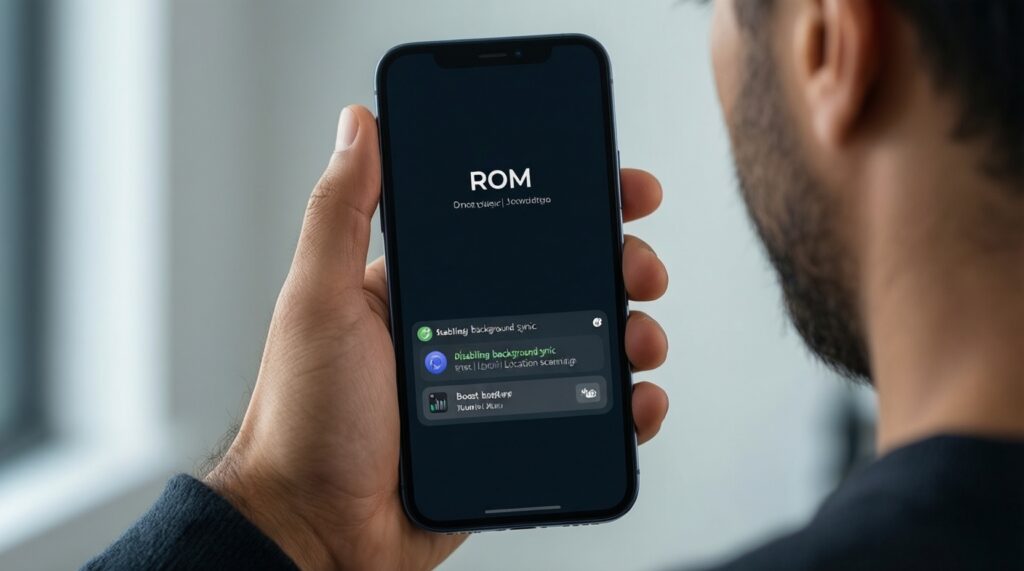
- If standby drain is the problem, choose a clean ROM (LineageOS or minimal AOSP) and disable always-on sync, location scanning, and vendor analytics; this is usually the cheapest "battery upgrade" with no new hardware.
- If screen-on time is weak, prioritize ROMs with stable display and kernel behavior on your device, then reduce refresh rate (if available), lower brightness automation aggressiveness, and remove heavy launchers/widgets.
- If you rely on messaging (LINE) and calls, avoid overly aggressive "kill background apps" tweaks; instead whitelist essential apps, and keep the ROM stable to prevent reconnect loops that burn battery.
- If your budget is tight, spend effort on a lightweight ROM + debloat + conservative sync settings before paying for services; for many users, this beats paying ติดตั้ง Custom ROM ราคา for repeated re-flashes due to unstable choices.
- If you can spend more (premium path), consider a fresh battery replacement and a security/privacy ROM on a supported device; hardware health plus modern power management typically beats any software-only approach on a worn battery.
Privacy-Centric ROMs: Minimizing Tracking and Hardening the System
- Decide whether you can live without Google services; if not, plan a "minimal Google" setup and restrict permissions instead of aiming for fully de-Googled.
- Check device support lists first; privacy ROMs are often strict about supported models.
- Pick the privacy level:
- Low effort: LineageOS + careful permission controls + minimal apps.
- Medium effort: /e/OS for reduced Google dependence with a consumer workflow.
- High effort: GrapheneOS/CalyxOS (only if officially supported).
- Plan app compatibility: banking, government apps, and DRM streaming may require a standard environment; avoid hacks that compromise security unless you fully understand trade-offs.
- Harden the basics: strong screen lock, disable unknown sources after setup, review "special access" permissions, and keep the ROM updated.
- Install only what you use; fewer apps means fewer trackers, fewer wakeups, and simpler debugging.
Installation and Maintenance on a Budget: Tools, Backups, and Recovery
- Picking a ROM without reading device notes: the fastest path to broken camera, no calls, or bootloops.
- Skipping a full backup plan: always prepare a restore path (at minimum: ROM zip, firmware package, and a known-good recovery).
- Mixing firmware/modem versions blindly: "latest" is not always compatible with your ROM build.
- Choosing "most features" on weak hardware: feature-heavy builds can feel slower than stock on very old devices.
- Over-debloating system components: deleting the wrong package can break notifications, calls, or setup; prefer reversible disable methods when possible.
- Assuming all GApps packages are equal: heavy GApps can destroy performance; pick minimal packages if you must use Google.
- Not budgeting time for troubleshooting: if time is money, paying a reputable shop once can be cheaper than repeated self-repairs-compare against ติดตั้ง Custom ROM ราคา in your area.
- Chasing "unofficial random builds" for speed: the lightest build is worthless if it's unstable or unmaintained.
Practical Comparison Table: Recommended ROMs, Pros, Cons, and Trade-offs
For most old phones, LineageOS is the safest balanced choice when available, especially for people searching Custom ROM สำหรับมือถือเก่า with daily reliability in mind. If you want the lightest feel, a minimal AOSP-based build is often the best fit. If battery is your priority, start with a clean ROM and conservative sync settings before changing ROM families. If privacy is the top goal, /e/OS is a practical middle step, while GrapheneOS/CalyxOS make sense only on supported models.
Common Concerns and Quick Solutions for Real-World Use
Will a custom ROM make my old phone faster immediately?
Usually yes if you move from a bloated stock ROM to a clean build, but the biggest wins come from wiping, keeping storage free, and using minimal Google services and apps.
Which is the safest starting point if I'm unsure?
Choose a well-maintained LineageOS build for your exact codename, then keep the setup simple. It's the most common baseline for LineageOS สำหรับมือถือรุ่นเก่า workflows.
Do I need the "lightest ROM" for an old device?
Only if RAM/storage are very tight. If you still need many apps, a stable ROM can feel faster than an ultra-light but buggy option, even if you're chasing ROM Android เบาที่สุด สำหรับเครื่องเก่า.
How do I improve battery life without switching ROM again?
Reduce background sync, limit location scanning, remove heavy launchers/widgets, and audit app permissions. These steps often matter more than switching between similar ROMs, even for Custom ROM ประหยัดแบต สำหรับ Android goals.
Will banking apps and streaming work?
It depends on the app and the ROM environment. Prefer stable builds and avoid risky modifications that trade security for compatibility unless you understand the implications.
Is it worth paying a shop to install a ROM?
If you can't afford downtime or you lack tools/time, paying once can be cheaper than repeated DIY attempts. Compare the local ติดตั้ง Custom ROM ราคา with the value of your time and the risk of mistakes.
What's the biggest mistake people make with privacy ROMs?

Choosing a privacy ROM that doesn't officially support their device, then losing basic functions. Start from support lists first, then decide how far you want to de-Google.