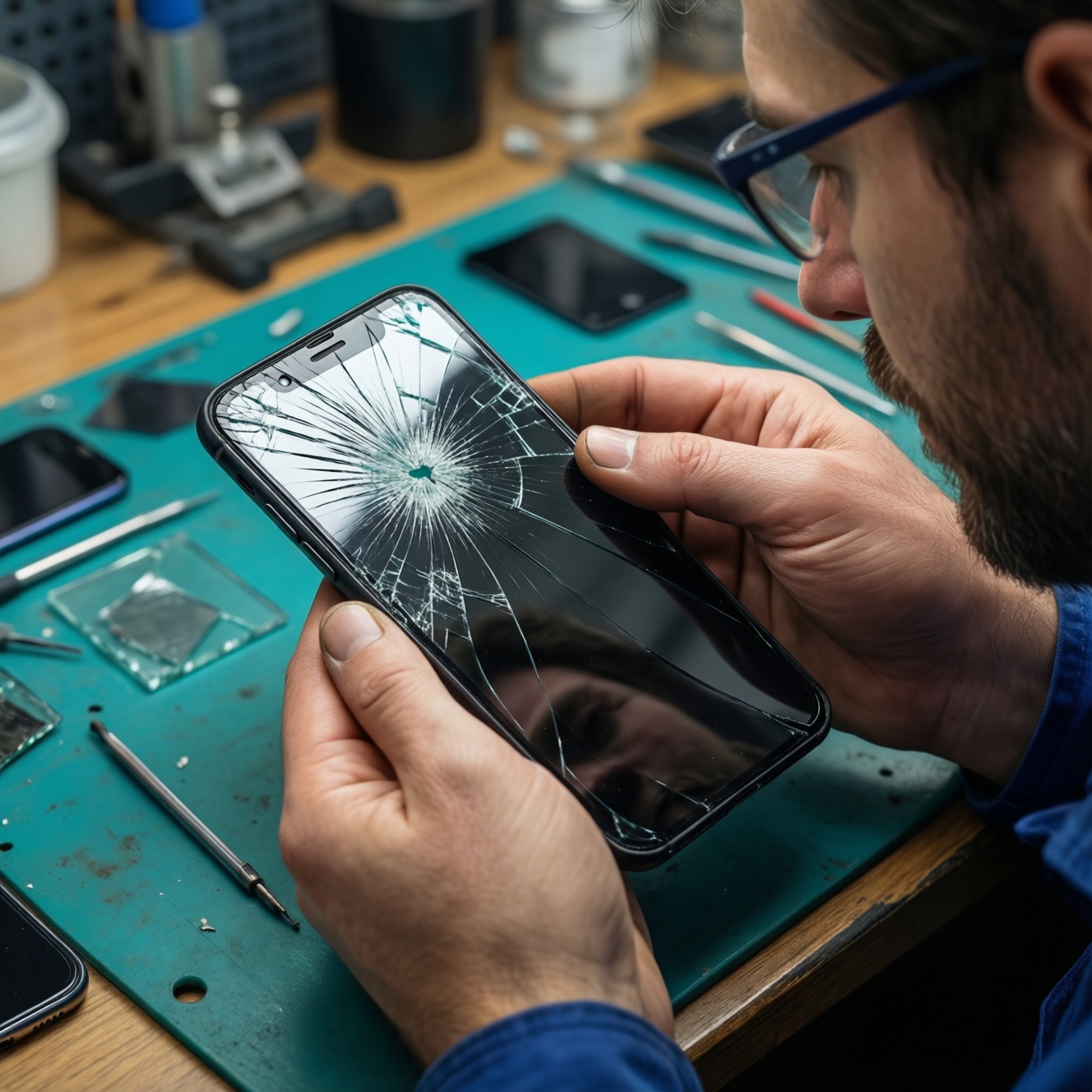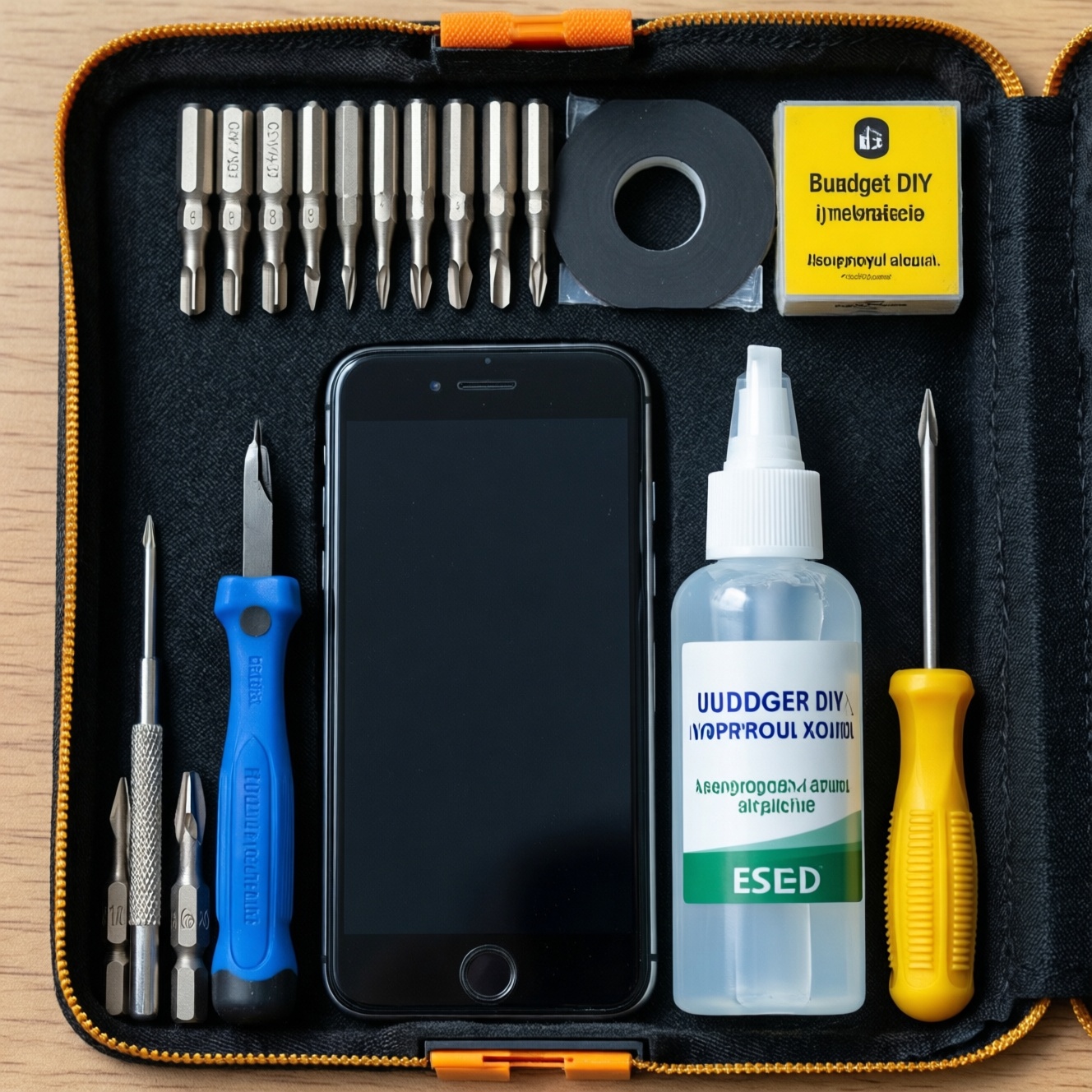
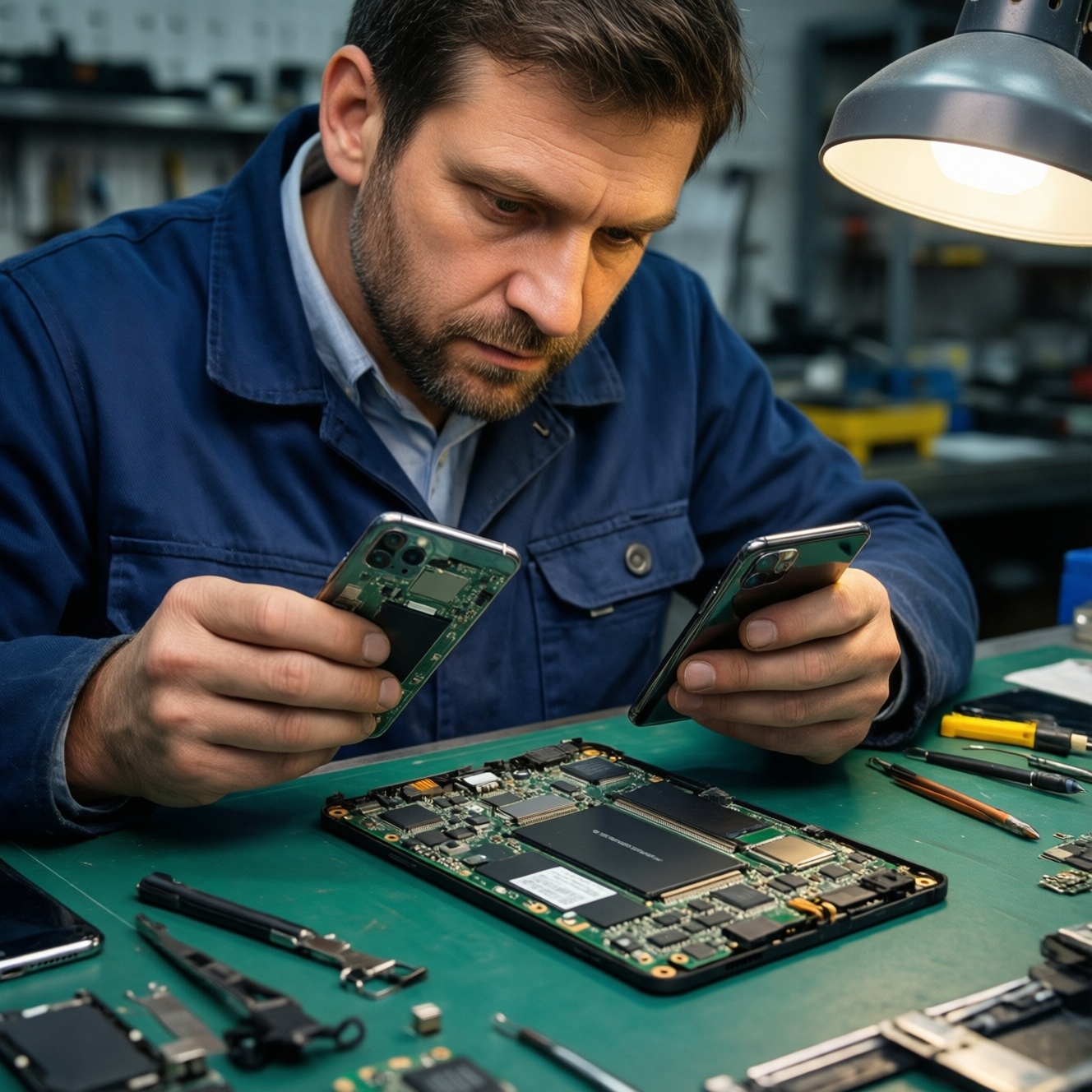
Repair vs replace comes down to fault isolation and risk: USB‑C and headphone jack issues are often low-risk, high-success repairs, while true motherboard faults are expensive, unpredictable, and may compromise data. As a rule, repair when the problem is a single replaceable module and the quote is under ~50% of a comparable replacement device.
Critical indicators to decide repair or replacement
- Single-function failure (only charging or only audio) with otherwise stable operation usually favors repair.
- Random reboots, no power, overheating, or multiple subsystems failing points to motherboard-level damage and higher replacement value.
- Liquid ingress or corrosion signs raise recurrence risk; replacement is often safer if reliability matters.
- Repair quote > ~50% of replacement cost usually favors replacing the device (especially without a strong warranty).
- Device age > ~4 years or no security updates: replacement is often the better long-term choice.
- Data criticality: if you cannot afford data loss, prioritize professional diagnostics and backup before any invasive work.
Diagnosing symptoms: pinpointing motherboard failure
Start with read-only checks and symptom mapping. Motherboard failure is rarely "one neat symptom"; it tends to cascade across power, charging, radio, and sensors.
- Dead phone: no boot, no vibration, no charging indicator across known-good chargers.
- Boot loop or random resets not tied to app load, temperature, or low battery.
- Severe overheating at idle or immediately after connecting a charger.
- Multiple failures at once: charging + cameras + Wi‑Fi/BT + audio.
- Intermittent "ghost touch," SIM not detected, baseband/IMEI missing, or no cellular signal after drops.
- Visible liquid indicator triggered, corrosion around SIM tray/USB‑C area, or "burnt" smell.
If you're already asking ซ่อมมือถือ เมนบอร์ดเสีย คุ้มไหม, treat that as a signal to first isolate whether it's really the board or a smaller module (port, battery, flex cable) that failed.
USB-C charging problems: isolating cable, port, or power IC
USB‑C problems are common and often repairable without touching the mainboard. Do the fastest, least invasive checks first-no disassembly until you've eliminated external causes.
- Swap the basics (read-only): try two known-good cables and two chargers (one PD-capable, one basic). Note whether the phone shows "charging," "slow charging," or nothing.
- Try a different power source: wall vs power bank vs computer USB. A computer not detecting the phone can hint at data-line or port damage.
- Inspect the USB‑C port with a light: look for pocket lint, bent center tongue, missing pins, or green/white corrosion.
- Clean safely: power off; gently remove lint with a wooden/plastic pick; avoid metal tools; do not flood with liquid.
- Check cable fit: if the plug feels loose or "click" retention is gone, the port is likely mechanically worn.
- Wiggle test (gentle): if charging flickers with slight movement, suspect port solder joints, cracked flex, or a worn port.
- Rule out battery behavior: if it charges to a point then drops fast, it can be battery degradation rather than USB‑C.
- Temperature dependency: if it only charges when cool/warm, power-path or board-level cracks become more likely.
- Look for moisture history: recent rain/sweat exposure often damages the port first, then the charging IC later.
- Decide the repair class: if everything else works and the port is physically damaged, a port replacement is the most likely fix; if the port looks clean but there is still no current draw, suspect charging IC/power-path (board-level).
When comparing quotes such as เปลี่ยนพอร์ตชาร์จ USB-C มือถือ ราคา versus board work, ask the shop to specify whether the port is a daughterboard module swap, a flex replacement, or a true USB‑C connector microsolder job. If you're searching ซ่อมพอร์ตชาร์จ USB-C ใกล้ฉัน, choose a shop that can show microscope photos and offers a written warranty on the port work.
Headphone jack faults: distinguishing mechanical wear from circuitry issues
Phones with a 3.5 mm jack usually fail from dust, oxidation, or mechanical wear. If audio issues affect Bluetooth and speaker too, it's less likely to be the jack itself and more likely codec/board-level audio circuitry.
| Symptom | Possible causes | How to verify (fastest first) | How to fix (least invasive first) |
|---|---|---|---|
| Headphones not detected; speaker keeps playing | Lint/oxidation in jack; worn jack contacts; damaged headset plug | Try 2 headsets; inspect plug for wear; shine light into jack; gently rotate plug to see if detection flickers | Dry clean with non-metal pick; contact cleaning by a technician; replace jack module (low-medium complexity) |
| Phone stuck in "headphone mode" with nothing plugged in | Debris shorting detection pin; moisture/corrosion; failed jack switch | Reboot; toggle audio routes; check after drying; test Bluetooth and speaker output | Professional cleaning; replace jack; if persists after replacement, suspect audio codec/board (high complexity) |
| One side missing / crackling when moving the plug | Loose jack solder joints; worn spring contacts; broken internal cable on headset | Test multiple headsets; gentle wiggle test; compare to Bluetooth audio | Replace jack; microsolder rework if jack is board-mounted (medium-high complexity) |
| Distortion on jack, but Bluetooth audio is clean | Partial jack contact; contamination; shielding/ground issue near jack | Test at low volume; try different impedance earbuds; check if distortion changes with touch/pressure | Clean/replace jack; inspect ground points and nearby flex connectors (medium complexity) |
| No audio anywhere (jack, speaker, Bluetooth) | OS/driver issue; muted routing; audio codec/power rail failure (board-level) | Check volume routes; Safe Mode; test during boot; confirm with known-good apps | Software repair; if unchanged, board-level diagnosis and possible board swap (high complexity) |
If you're comparing เปลี่ยนแจ็คหูฟัง มือถือ ราคา with replacing the phone, treat jack replacement as a "good bet" only when Bluetooth and speaker audio are otherwise stable.
Cost-benefit matrix: parts, labor, warranty and device age
Use this step sequence to decide rationally, keeping everything read-only until you must commit to a repair.
- Define the failure scope: list exactly what fails (charging only, audio only, random resets, no power) and what still works.
- Protect data first: if the phone boots, back up photos/messages and export 2FA/recovery codes before any repair attempt.
- Eliminate external causes: known-good cables/chargers/headsets; clean ports/jacks safely; confirm behavior on different outlets.
- Check for "single-module" fixes: USB‑C flex/daughterboard, battery, or jack module-these are typically lower risk than motherboard work.
- Get itemized quotes from at least two shops: ask whether it's a module swap or microsolder; demand a written warranty period and exclusions.
- Apply decision thresholds: choose repair if (a) the device is < ~4 years old, (b) the quote is < ~50% of replacement cost, and (c) the shop offers a meaningful warranty. Otherwise, replacement is usually smarter.
- Factor reliability risk: liquid damage, heavy drops, or repeated prior repairs increase recurrence-raise your replacement preference.
- Escalate only when justified: board-level charging IC, audio codec, or full board swap when data recovery is the real goal.
In Thailand, searches like ซ่อมเมนบอร์ดมือถือ ราคา often return a wide range of offers; treat unusually cheap "board repair" quotes as a risk signal unless the shop clearly explains the failure and warranty terms.
When full board swap is the correct choice: data, reliability, and risk
- True multi-symptom failure: charging + radios + sensors failing together, especially after drops or moisture.
- No power with confirmed-good battery/charging path: suggests PMIC/power rail faults that are time-consuming to trace.
- Corrosion on the mainboard: cleaning may bring a short-term boot, but long-term reliability is uncertain.
- Repeated port/jack failures: indicates board flexing or pad damage; repeated connector replacements may not hold.
- Business-critical reliability: if downtime is costly, replacing the device often beats iterative repairs.
- Data recovery priority: board-level work or swap may be justified if it enables a final backup; agree on "data-first" handling with the technician.
Before authorizing a board swap, confirm what happens to device identity features (e.g., biometrics pairing) and whether your model requires component pairing that can break Face/Touch ID-like functions after replacement.
Symptom-first troubleshooting workflow with prioritized tests
- Standardize your test kit: one known-good cable, one PD charger, one basic charger, one headset (if applicable).
- Keep ports clean: periodic dry cleaning of USB‑C and jack reduces mechanical wear and charging instability.
- Reduce strain: avoid charging while gaming; use angled cables if you charge while holding the phone.
- Moisture discipline: after rain/sweat, let the phone dry fully before charging to reduce port/IC damage.
- Thermal awareness: remove thick cases during charging if the phone runs hot; heat accelerates connector and battery issues.
- Update and reboot: for intermittent audio/charging UI glitches, OS updates and a clean reboot can eliminate false symptoms.
- Track changes: note exactly when the issue started (after a drop, after a cable change, after water exposure) to improve diagnosis accuracy.
- Prefer reversible steps first: read-only checks → safe cleaning → module swap → microsolder → board swap.
Concise answers to common repair dilemmas
How do I know it's the USB‑C port and not the battery?
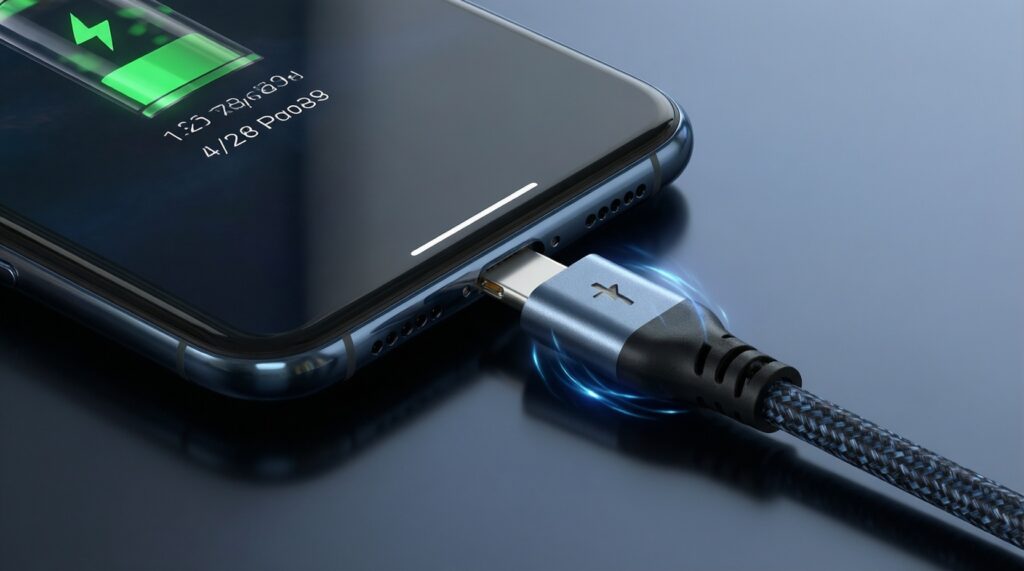
If charging flickers with gentle cable movement and the connector feels loose, the port is a prime suspect. If it charges steadily but drains unusually fast, the battery is more likely.
When is motherboard repair not worth it?
If multiple subsystems fail, there's corrosion, or the quote is above ~50% of a comparable replacement device, replacement usually wins on reliability and total cost.
Is a USB‑C replacement always a simple job?
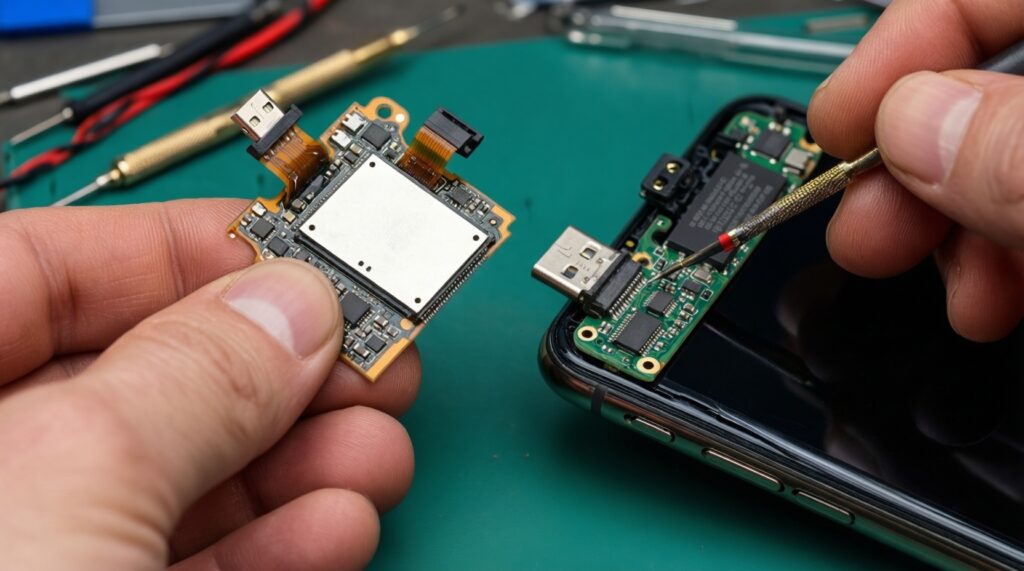
No. Some phones use a replaceable daughterboard/flex (simpler), while others require microsoldering a board-mounted USB‑C connector (riskier).
My phone says "headphones connected" with nothing plugged in-what should I do first?
Reboot, verify audio routes, and inspect/clean the jack dry. If the symptom persists and Bluetooth/speaker audio are otherwise fine, jack replacement is the next step.
What should I ask a shop before agreeing to a board swap?
Ask what data protection steps they follow, what features might stop working due to pairing, and what written warranty they provide for the swapped board.
How do I compare quotes fairly across shops?
Require an itemized description (module swap vs microsolder), warranty terms, and what is excluded (water damage, prior repairs). Compare risk and warranty, not only price.