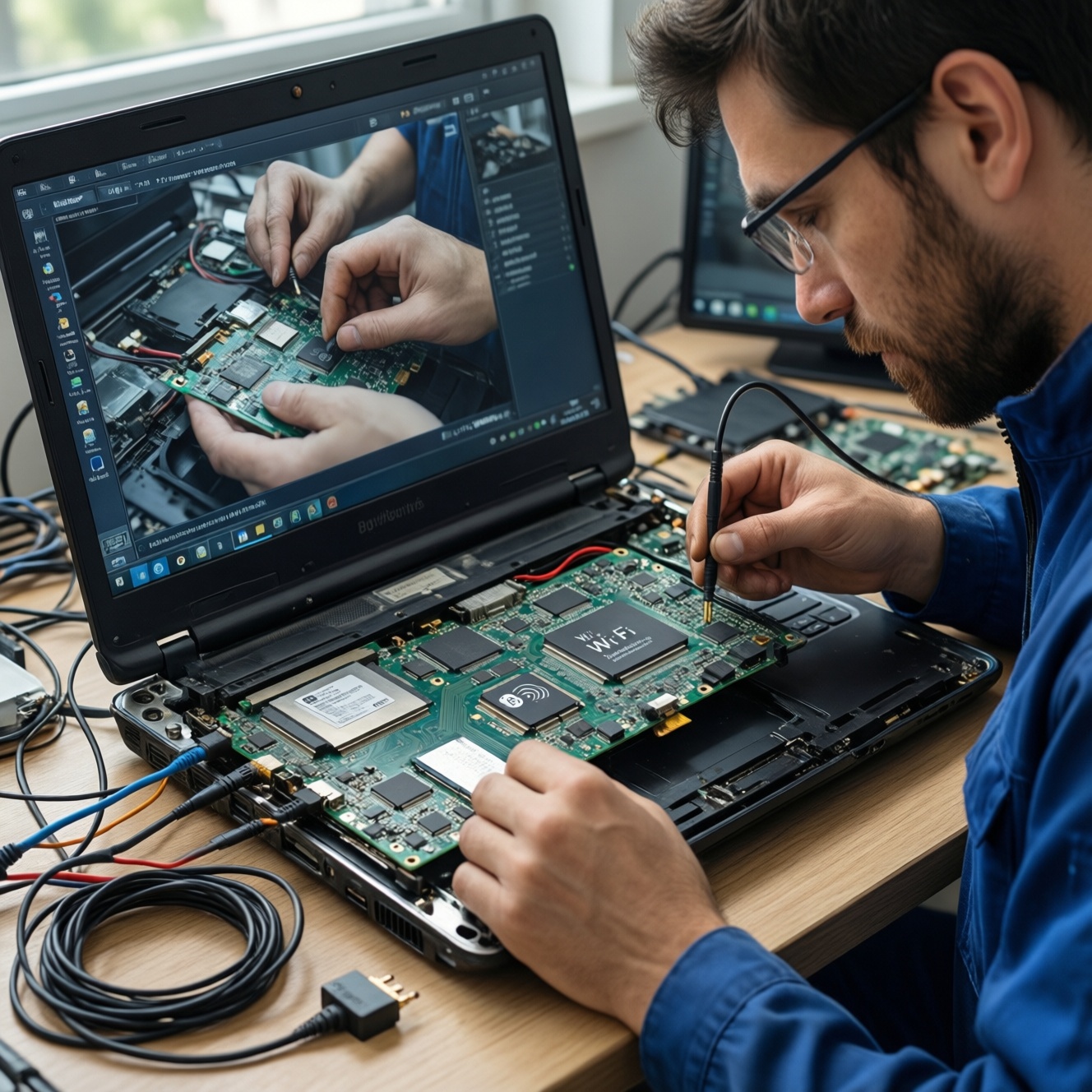
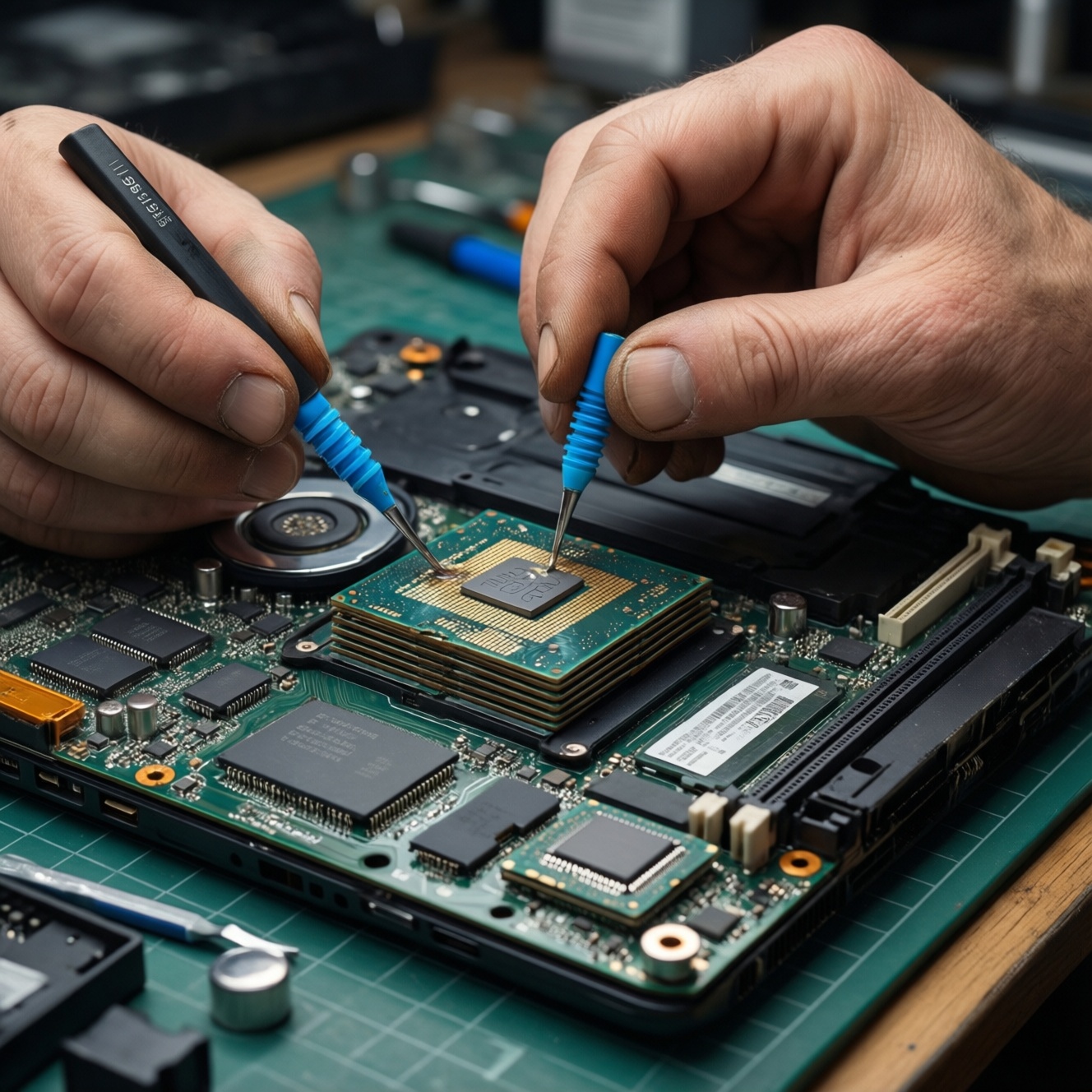
For laptops and mini PCs, repaste (thermal paste) is usually the right move for CPU/GPU die contact, while repad (thermal pads) is for VRAM, VRM, and other parts that rely on a set gap. The best choice depends on contact type, gap size, and service goals: peak temps favor paste; consistent spacing and ease favor pads.
Quick decision checklist for thermal interface materials
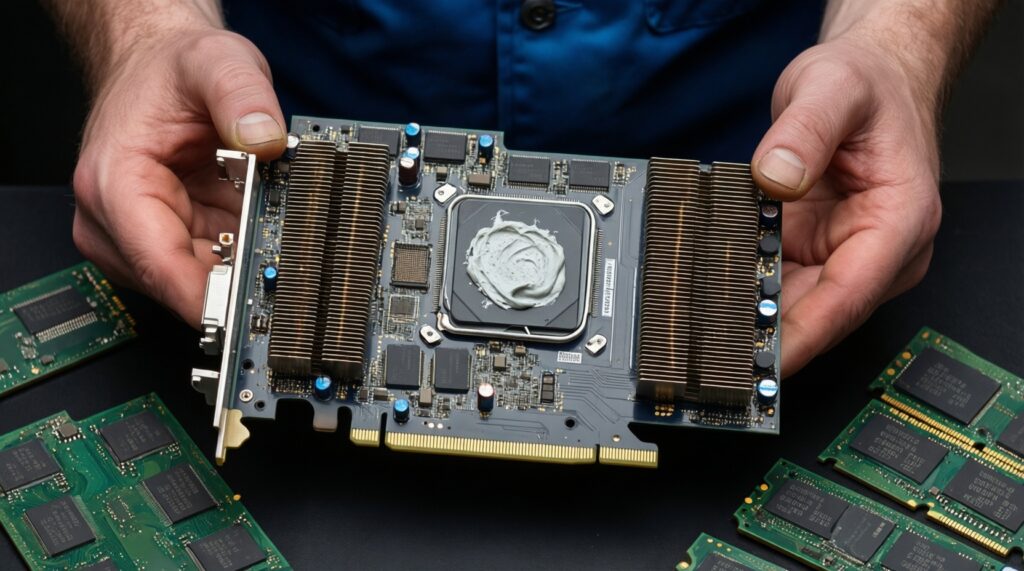
- If it's a bare CPU/GPU die under a heatsink: choose repasting (thermal paste).
- If the heatsink must bridge a visible gap to chips/inductors: choose replacing pads (thermal pads).
- If your heatsink footprint includes both die and memory/power parts: expect a mixed job (paste + pads).
- If you don't know pad thickness: measure the original pads before ordering replacements.
- If the device is thin and flex-prone: prioritize correct pad thickness to avoid heatsink tilt.
- If you're comparing เปลี่ยนซิลิโคนระบายความร้อนโน้ตบุ๊ก ราคา vs a shop service: consider risk (stripped screws, torn pads) as part of "cost".
How thermal paste and thermal pads work: mechanisms and trade-offs
Both materials aim to reduce microscopic air gaps between a heat source and the heatsink. Paste wets and fills micro-voids at near-zero gap; pads compress to fill a designed gap and maintain spacing. Use these criteria to choose correctly:
- Contact type: bare die contact (paste) vs bridged gap (pads).
- Gap size and tolerance: near-zero and flat (paste) vs measurable gap (pads).
- Mechanical load: paste needs good mounting pressure; pads can compensate for unevenness but may push the heatsink up if too thick.
- Thermal performance goal: paste generally offers lower thermal resistance at true contact; pads are "good enough" when spacing is required.
- Longevity and pump-out risk: thin devices with frequent heat cycles can pump paste out; pads tend to stay put if not over-compressed.
- Serviceability: pads are cleaner to handle; paste is messier but simpler on a die.
- Electrical safety: most pads are electrically insulating; some pastes can be electrically conductive-avoid those near SMD components unless you know the risks.
- Availability in Thailand: if you're searching ซื้อซิลิโคนระบายความร้อนโน้ตบุ๊ก or Thermal Pad สำหรับมินิพีซี ซื้อที่ไหน, prioritize reputable sellers with clear thickness/spec labeling and return policies.
Performance comparison: conductivity, longevity, and thermal resistance
When comparing products, rely on what manufacturers print on packaging: conductivity is often listed in W/m·K, and pads list thickness (mm). As a practical heuristic, pastes are usually chosen for the die, while pads are chosen for gap-bridging. Use the table as a decision-tree by scenario.
| Вариант | Кому подходит | Плюсы | Минусы | Когда выбирать |
|---|---|---|---|---|
| Standard non-conductive thermal paste | Most laptop/mini PC users repasting CPU/GPU | Good die contact; forgiving; widely available | Can dry out over time; messy cleanup | CPU/GPU die; you want reliable results without special risks |
| High-performance thermal paste (often labeled higher W/m·K) | Enthusiasts chasing lower temps on limited cooling | Potentially lower thermal resistance at proper mounting pressure | More sensitive to application; can pump-out in thin laptops | Thermally constrained models; after verifying mount pressure and flatness |
| Thermal pad (soft silicone), common thickness 0.5-3.0 mm | VRAM/VRM/chokes; mini PCs with cramped layouts | Bridges gaps; clean install; provides electrical insulation | Wrong thickness can overheat the die by lifting the heatsink | Any component that originally used pads; you can match thickness |
| Thermal putty (gap-filling compound) | Advanced users replacing multiple pad thicknesses at once | Conforms to varied gaps; reduces thickness-guessing | Messy; harder to quantify; not ideal on bare dies | Mixed-height power stages/VRAM where pads were inconsistent or unavailable |
| Hybrid service: paste on die + pads on memory/power | Most laptops with dGPU; many mini PCs | Matches the original engineering intent; best balance | Requires sourcing both materials and careful reassembly | When the cooler contacts multiple component types in one assembly |
| Professional shop service (repaste/repad) | Users comparing risk vs time and เปลี่ยนซิลิโคนระบายความร้อนโน้ตบุ๊ก ราคา | Less risk of damage; proper tools; quicker turnaround | Quality varies; parts choice may be generic unless specified | If you lack tools, can't measure pads, or the device is expensive/fragile |
Shopping note for Thailand: if you're checking แผ่นระบายความร้อน (Thermal Pad) ราคา, treat "cheap per sheet" cautiously unless thickness and spec are clearly stated. If you're asking ซิลิโคนระบายความร้อนยี่ห้อไหนดี, choose based on non-conductive safety, consistency (not runny), and reputable distribution rather than hype.
When to choose repasting: signs, tools, and step-by-step process
Choose repasting when these "if...then..." scenarios match
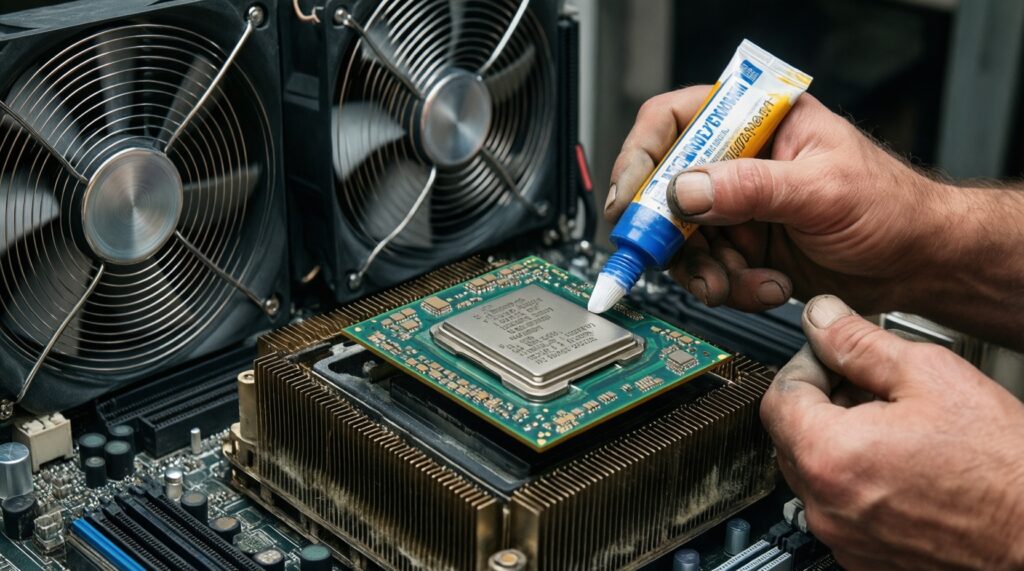
- If CPU/GPU temperatures spike quickly under load, then repaste the die first (paste degradation or poor contact is likely).
- If fans are louder than before at the same workload, then repaste (and clean dust) to restore heat transfer.
- If you opened the cooler and the paste is cracked, chalky, or uneven, then repaste immediately.
- If the device throttles after a few minutes even with clean vents, then repaste and verify mounting pressure/screw order.
- If you're changing pads thickness, then repaste as well, because heatsink seating changes affect die contact.
Tools and materials (DIY)
- Isopropyl alcohol (IPA) and lint-free wipes
- Plastic spudger for gentle scraping (avoid metal on dies)
- Appropriate screwdriver bits (prevent stripped screws)
- Non-conductive thermal paste
- Optional: torque-limited driver for consistent mounting pressure
Repasting steps (stable, repeatable)
- Power off, unplug, and disconnect the battery if accessible.
- Remove the heatsink following the screw order (often numbered).
- Clean old paste from the die and heatsink base until residue-free.
- Apply a small amount of paste (pea-sized for most laptop dies); avoid over-spreading onto SMD parts.
- Reinstall the heatsink using a cross pattern and the original screw order.
- Run a short stress test and watch for abnormal spikes (a sign of poor seating).
DIY vs service path
- DIY makes sense if you have the right bits, can follow screw order, and the cooler is easy to access.
- Professional service is safer if the device uses fragile clips, hidden screws, or you're unsure about ESD handling and pad thickness.
When to choose replacing pads: scenarios, precautions, and best practices
Replace pads when the original design used pads to bridge gaps (VRAM/VRM) or when pads are torn, oil-soaked, or permanently deformed. Follow this fast selection algorithm to avoid the most common failure: lifting the heatsink off the CPU/GPU die.
- Confirm pad locations: photograph the cooler before removal; map which components use pads.
- Measure thickness: measure original pads (or compression height) before ordering; don't guess.
- Match compressibility: softer pads tolerate tolerance stack-ups; very firm pads can prevent proper seating.
- Cut cleanly: cut pads to match the contact area without overhang onto screws or connectors.
- Replace like-for-like: keep thickness consistent per component group unless you know the mechanical stack.
- Do a seating check: after a test fit, look for even contact marks; uneven imprint suggests thickness mismatch.
- Re-test temps: if CPU/GPU temps worsen after pad work, revert thickness changes and re-seat.
Compatibility matrix: component types, gap sizes, and material selection
Most "bad results" come from mechanical mismatch rather than "weak" materials. Avoid these selection and install mistakes:
- Using a pad on a bare die: it usually increases thermal resistance and can overheat under load.
- Using paste where a pad is required: paste cannot reliably bridge millimeter-scale gaps and will leave air pockets.
- Choosing the wrong pad thickness: too thick lifts the heatsink; too thin leaves a gap and reduces contact.
- Mixing thicknesses randomly: one "over-thick" pad on VRM can tilt the entire heatsink and ruin CPU contact.
- Ignoring pad compression set: old pads may look "thin" because they're permanently compressed-don't use them as a thickness reference without context.
- Over-tightening to compensate: cranking screws can warp boards or crack dies; correct thickness is the fix.
- Not cleaning pad oil residue: residue on the heatsink reduces friction and can shift pads during assembly.
- Assuming "higher W/m·K" solves everything: flatness, pressure, and correct gap matter as much as the label.
Maintenance strategy and upgrade roadmap for laptops and mini PCs
- Start here: Identify what you have. If the cooler touches CPU/GPU dies directly, plan to repaste; if it spans memory/power components with spacing, plan to repad those zones.
- If you cannot measure pad thickness: choose professional service or source an exact pad kit for your model (when available).
- If you want the safest DIY improvement: repaste the CPU/GPU only, leaving factory pads untouched unless they're damaged.
- If you see torn/deformed pads: repad with matched thickness first, then repaste because seating will change.
- If your mini PC has many uneven components: consider thermal putty for gap-filling (advanced), but keep paste on the die.
Best practical baseline for most laptops is a non-conductive repaste on CPU/GPU plus keeping original pad thicknesses; best fit for many mini PCs is the same hybrid approach, with extra attention to pad thickness consistency across VRM and memory. Choose based on contact design and your ability to measure, not on a single "best" material.
Common practical concerns and troubleshooting
My CPU got hotter after replacing pads-what did I do wrong?
Most often the pads are too thick or too firm, lifting the heatsink and reducing die pressure. Recheck thickness against the originals and verify the heatsink sits flat with even screw torque.
Can I stack thermal pads to reach a thickness?
Avoid stacking because it adds extra interfaces and can slip during assembly. If you must, treat it as temporary and verify contact imprint and temperatures after reassembly.
How do I pick pad thickness if the original pads tore?
Measure the gap using the compressed pad remnants plus contact imprint, or use feeler/soft modeling methods during a test fit. If you can't measure confidently, use a service shop to avoid heatsink tilt.
Is "electrically conductive" paste safe in laptops?
It's risky near exposed SMD parts and tight clearances common in laptops and mini PCs. Prefer non-conductive paste unless you're experienced and the layout is forgiving.
Do I need to repaste when I only replace pads on VRM/VRAM?
Often yes, because pad thickness changes can alter heatsink seating. Repasting ensures the die interface is optimal after any mechanical changes.
Where should I buy materials in Thailand if I'm unsure of authenticity?
Use reputable electronics retailers or official marketplace stores with clear thickness/spec listings and return options; this matters when searching Thermal Pad สำหรับมินิพีซี ซื้อที่ไหน or ซื้อซิลิโคนระบายความร้อนโน้ตบุ๊ก. Avoid listings without thickness, hardness/compressibility hints, or close-up photos of labels.